
Create service and care-related charges
Generate billing items from services, procedures, diagnostics, pharmacy-related work, admissions.
Billing and financials
Cuboid connects services, charges, payer status, patient and family wallets, invoices, receipts, payments..
Revenue operations
Who it's for
Hospital administrators, billing officers, finance teams, receptionists, care teams, and operations leaders who need better visibility into financial activity around patient care.
The problem it solves
Charges, payer decisions, family balances, payment proofs, invoices, and receipts can become difficult to reconcile when financial work is disconnected from clinical and front-desk workflows. Cuboid keeps those operational relationships visible in one system.
Where teams use it
Generate billing items from services, procedures, diagnostics, pharmacy-related work, admissions.
Search and filter billing records by patient, billing ID, payer, family, date.
Review patient and family billing history, manage wallets, record top-ups and transactions.
Preview and generate invoice and receipt documents using configurable templates, with PDF output and.
Settle eligible billing items, support self-pay and family billing settlement paths, verify payments.
Why it matters
01
Filters and statuses help finance teams prioritize unpaid or blocked work.
02
Link care activity to billing instead of reconstructing charges manually.
03
Support self-pay, family, and payer-related billing paths.
04
Invoices, receipts, wallet transactions, payment proofs.
How billing work moves
A service, diagnostic, pharmacy, visit, or admission creates the billing context.
Authorized staff generate a billing item, review the patient or family context.
Teams update billing status, record payment evidence or wallet activity, verify payments.
Create an invoice or receipt, preview the document, and email it when email delivery is enabled.
Tell us about your facility. We’ll review your needs and arrange a focused walkthrough.
The connected hospital platform
/patient-care
Cuboid gives reception, clinical, nursing, and administrative teams a shared view of the patient.
Read more
/ai-documentation
Cuboid’s AI tools support consultation transcription, clinical-note drafting, note transformation.
Read more
/lab-and-imaging
Connect diagnostic orders, work queues, reports, notifications, and result sharing.
Read more
/pharmacy
Connect prescriptions, dispensing, administration, stock, and pharmacy locations.
Read more
/billing-and-financials
Cuboid connects services, charges, payer status, patient and family wallets, invoices, receipts, payments..
You are here
/staff-and-referrals
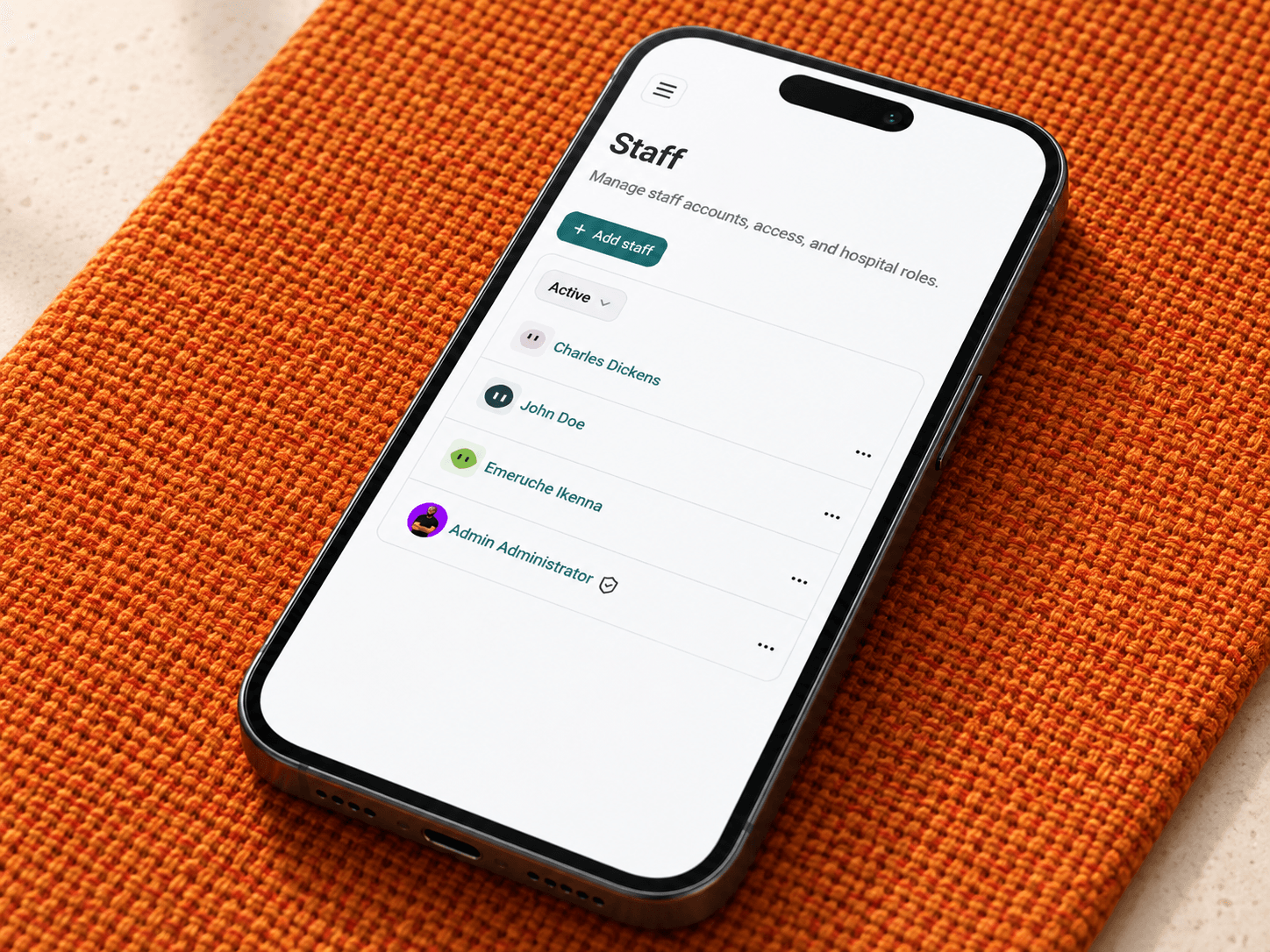
Cuboid gives hospitals a structured way to manage staff, roles, permissions, teams, schedules, announcements,.
Read more
/audit-logging
Give hospital administrators a clearer record of important clinical and security activity.
Read more
/referral-campaigns
Run configured employee referral campaigns with clear eligibility, earnings, and payout management.
Read more