
Register and find patients quickly
Create patient records, manage hospital numbers, search the patient directory.
Patient care
Cuboid gives reception, clinical, nursing, and administrative teams a shared view of the patient.
A connected patient record
Who it's for
Hospital administrators, reception teams, doctors, nurses, care coordinators, and operations leaders who need a clearer view of patients moving through the facility.
The problem it solves
Patient information and care tasks can become fragmented across paper files, disconnected tools, and informal messages. Cuboid helps teams find the current patient context, understand what has happened, and act on the next step without losing the thread.
Where teams use it
Create patient records, manage hospital numbers, search the patient directory.
Create visits, record visit reasons and payer details, assign providers or roles, check patients.
Link consultations to patients and visits, capture diagnoses, procedures, vitals, clinical notes.
Review admission requests, assign patients to wards, monitor ward capacity, record ward activity.
Follow patients for important updates and use notifications for admissions, discharges, abnormal or critical.
Why it matters
01
Keep the patient’s identity, encounters, clinical history, documents, orders, medications.
02
Dashboards, assignments, statuses, and permissions clarify who owns the next action.
03
Patient activity history, notifications, follow features.
04
Hospitals can enable or disable selected workflows and apply hospital-level settings instead of forcing.
How patient care moves
Create or locate the patient record, capture the reason for care.
Record vitals, diagnoses, procedures, medications, and clinical notes within the consultation linked to the.
Create orders, referrals, admissions, or ward assignments as the patient’s care requires, with notifications.
Complete discharge or visit closure when requirements are met, review billing clearance.
Tell us about your facility. We’ll review your needs and arrange a focused walkthrough.
The connected hospital platform
/patient-care
Cuboid gives reception, clinical, nursing, and administrative teams a shared view of the patient.
You are here
/ai-documentation
Cuboid’s AI tools support consultation transcription, clinical-note drafting, note transformation.
Read more
/lab-and-imaging
Connect diagnostic orders, work queues, reports, notifications, and result sharing.
Read more
/pharmacy
Connect prescriptions, dispensing, administration, stock, and pharmacy locations.
Read more
/billing-and-financials
Cuboid connects services, charges, payer status, patient and family wallets, invoices, receipts, payments..
Read more
/staff-and-referrals
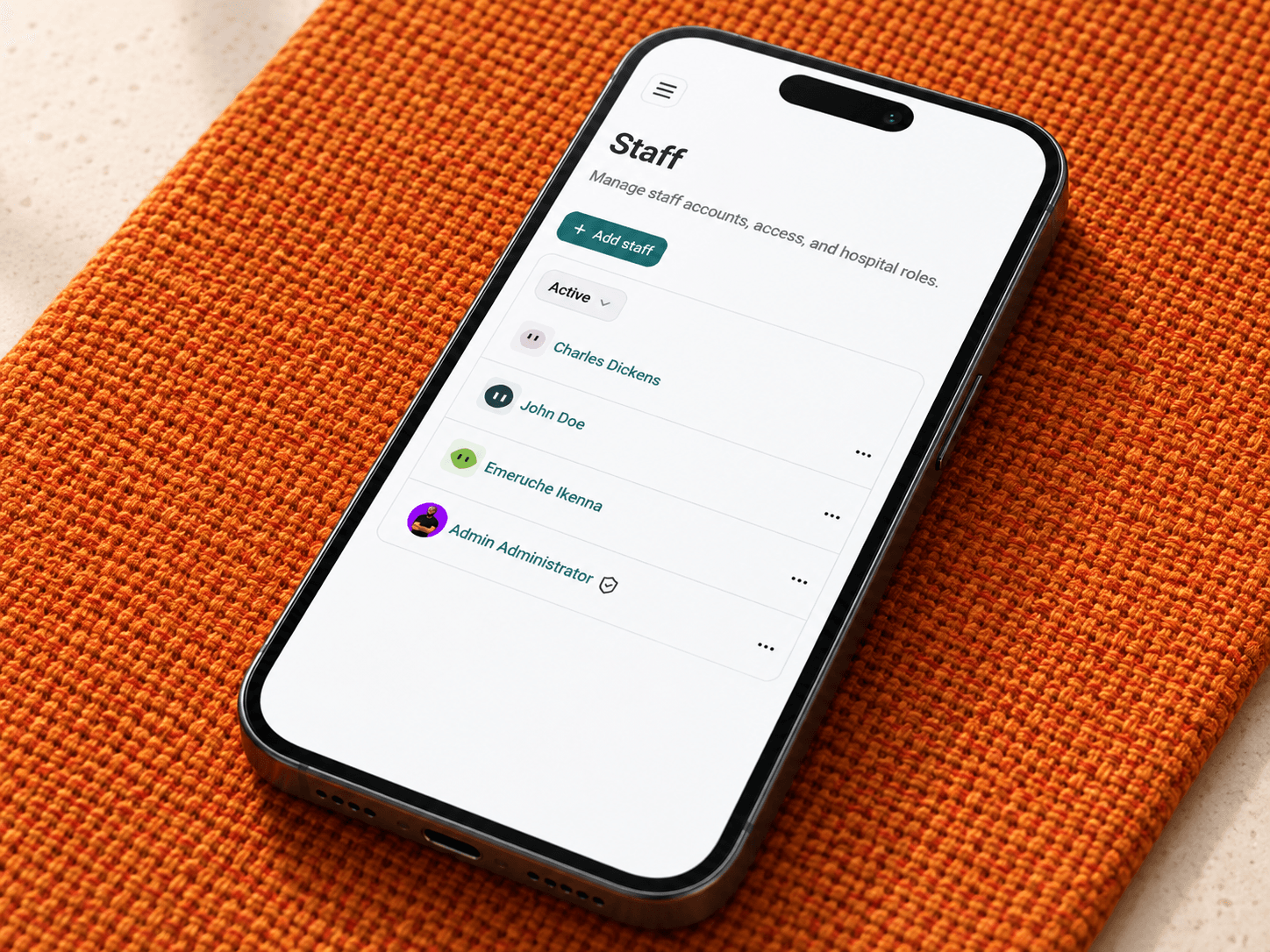
Cuboid gives hospitals a structured way to manage staff, roles, permissions, teams, schedules, announcements,.
Read more
/audit-logging
Give hospital administrators a clearer record of important clinical and security activity.
Read more
/referral-campaigns
Run configured employee referral campaigns with clear eligibility, earnings, and payout management.
Read more