
Create and manage diagnostic orders
Place laboratory or imaging orders against the patient workflow, use configured catalogues.
Lab and imaging
Connect diagnostic orders, work queues, reports, notifications, and result sharing.
Diagnostic operations
Who it's for
Laboratory scientists, radiologists, clinicians, hospital administrators, diagnostic leads, and front-desk teams that need clearer visibility into diagnostic requests and results.
The problem it solves
Diagnostic work can stall when orders, specimens, files, reports, and notifications are managed in separate channels. Cuboid provides a structured path from request to report, with department permissions and status visibility supporting accountability.
Where teams use it
Place laboratory or imaging orders against the patient workflow, use configured catalogues.
Use laboratory and imaging workbenches to search, filter.
Record lab and imaging findings using configured report templates, structured fields, rich text, comments..
Preview reports, review the latest result version, preserve result history.
Send eligible laboratory or imaging results through email or WhatsApp result-sharing flows using expiring,.
Why it matters
01
Department workbenches and order statuses give teams a clearer view of what is waiting,.
02
Diagnostic orders, reports, attachments, and result history remain linked to the patient and care.
03
When report revisions are enabled, result history helps teams understand what changed and why.
04
Notifications and scoped result-sharing flows help clinicians and eligible recipients know when reports are.
How diagnostic work moves
A clinician or authorized staff member selects a configured laboratory test or imaging study.
Laboratory or imaging staff find the order in the relevant workbench, review its details.
The diagnostic team records a free-text or structured result and uses a report template when the facility has configured one.
Authorized staff review the result, revise it when permitted, trigger availability notifications.
Tell us about your facility. We’ll review your needs and arrange a focused walkthrough.
The connected hospital platform
/patient-care
Cuboid gives reception, clinical, nursing, and administrative teams a shared view of the patient.
Read more
/ai-documentation
Cuboid’s AI tools support consultation transcription, clinical-note drafting, note transformation.
Read more
/lab-and-imaging
Connect diagnostic orders, work queues, reports, notifications, and result sharing.
You are here
/pharmacy
Connect prescriptions, dispensing, administration, stock, and pharmacy locations.
Read more
/billing-and-financials
Cuboid connects services, charges, payer status, patient and family wallets, invoices, receipts, payments..
Read more
/staff-and-referrals
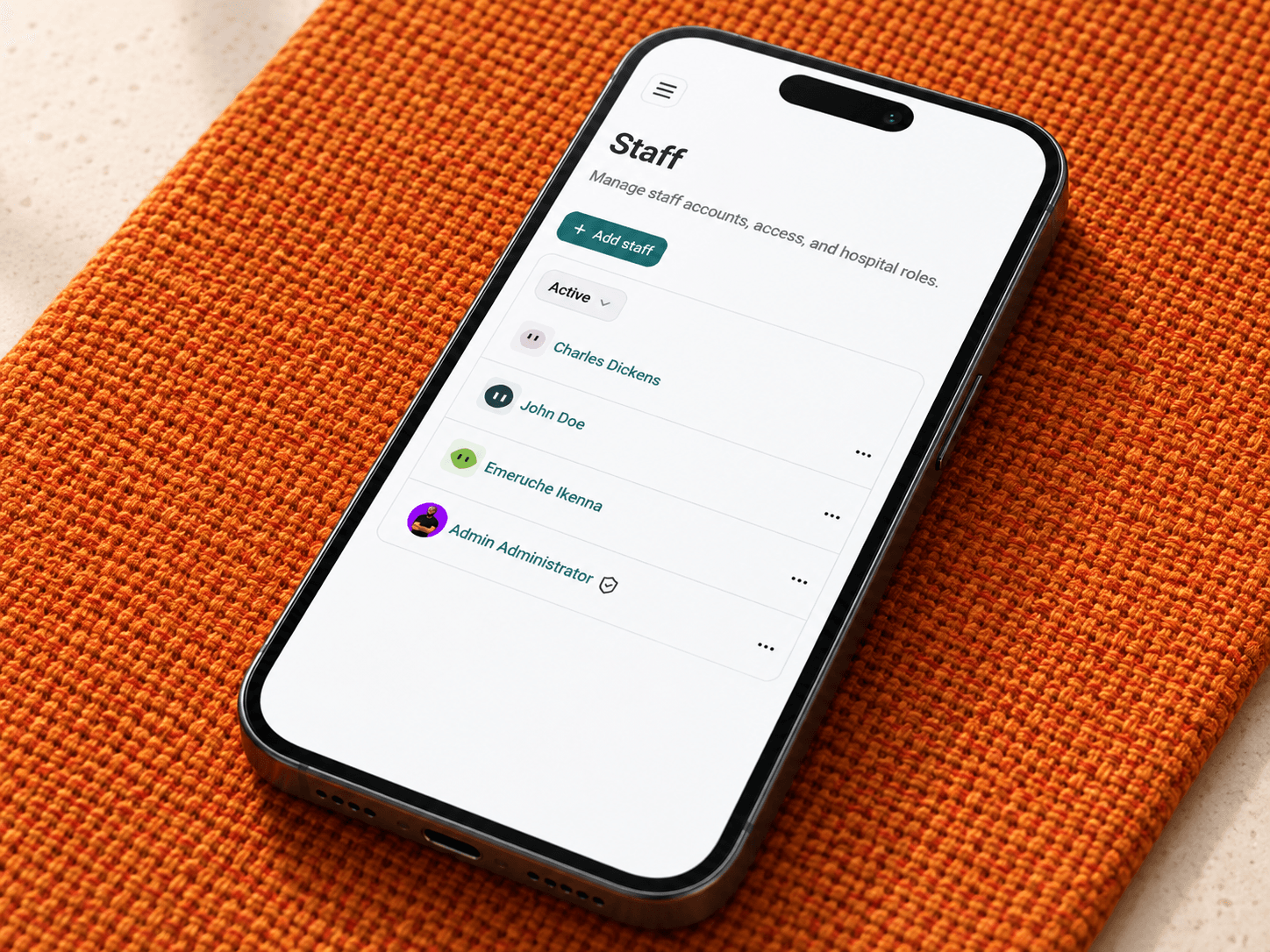
Cuboid gives hospitals a structured way to manage staff, roles, permissions, teams, schedules, announcements,.
Read more
/audit-logging
Give hospital administrators a clearer record of important clinical and security activity.
Read more
/referral-campaigns
Run configured employee referral campaigns with clear eligibility, earnings, and payout management.
Read more